Web UI Usage
The Nebula Commander web UI is a React dashboard that talks to the backend API. You use it to manage networks, nodes, certificates, and users.
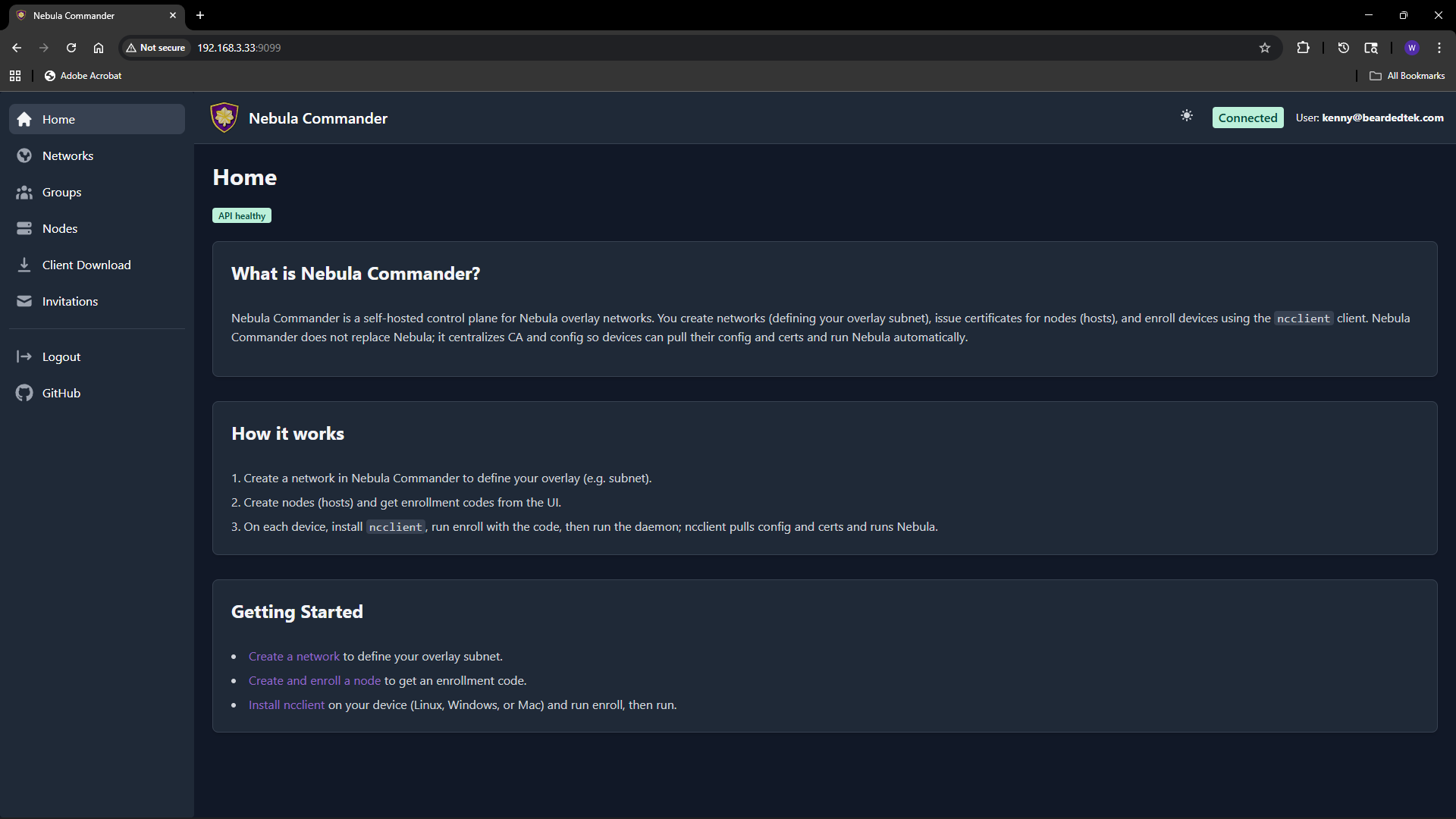
Logging in
- With OIDC – When OIDC is configured (OIDC), open the app URL and you are redirected to the provider (e.g. Keycloak). After login, you are sent back to the UI with a session.
- Without OIDC (development) – When the backend has
DEBUG=trueand OIDC is not configured, the backend exposes a dev-token endpoint. The UI can log you in without a real IdP. Do not enable this in production.
Main flows
- Networks – Create and manage Nebula networks. As a network owner you control nodes, IP allocation, and firewall groups.
- Groups – Define security groups and inbound firewall rules per group.
- Nodes – Add nodes to networks, assign IPs, create or sign certificates, and generate enrollment codes for ncclient.
- Client Download – Download ncclient binaries (CLI and Windows tray) served from this server.
- Invitations – Invite users to networks with roles and permissions (when OIDC is enabled).
Certificates are created or signed from the Nodes page (Create or Sign flow). For Sign flow, the server does not have the private key; place host.key on the device (e.g. in the ncclient output directory).
Access control
Access is role-based: system-admin, network-owner, and user. Permissions include network-level and node-level access, node request workflow, auto-approval, and access grants. Critical actions (e.g. delete network or node) require reauthentication. Details are in the repository docker/README.