Groups
The Groups page lets you define Nebula security groups and their inbound firewall rules per network. Groups are used by nodes (each node has one or more groups). Firewall rules control which other groups can send traffic to this group and on what protocol and ports.
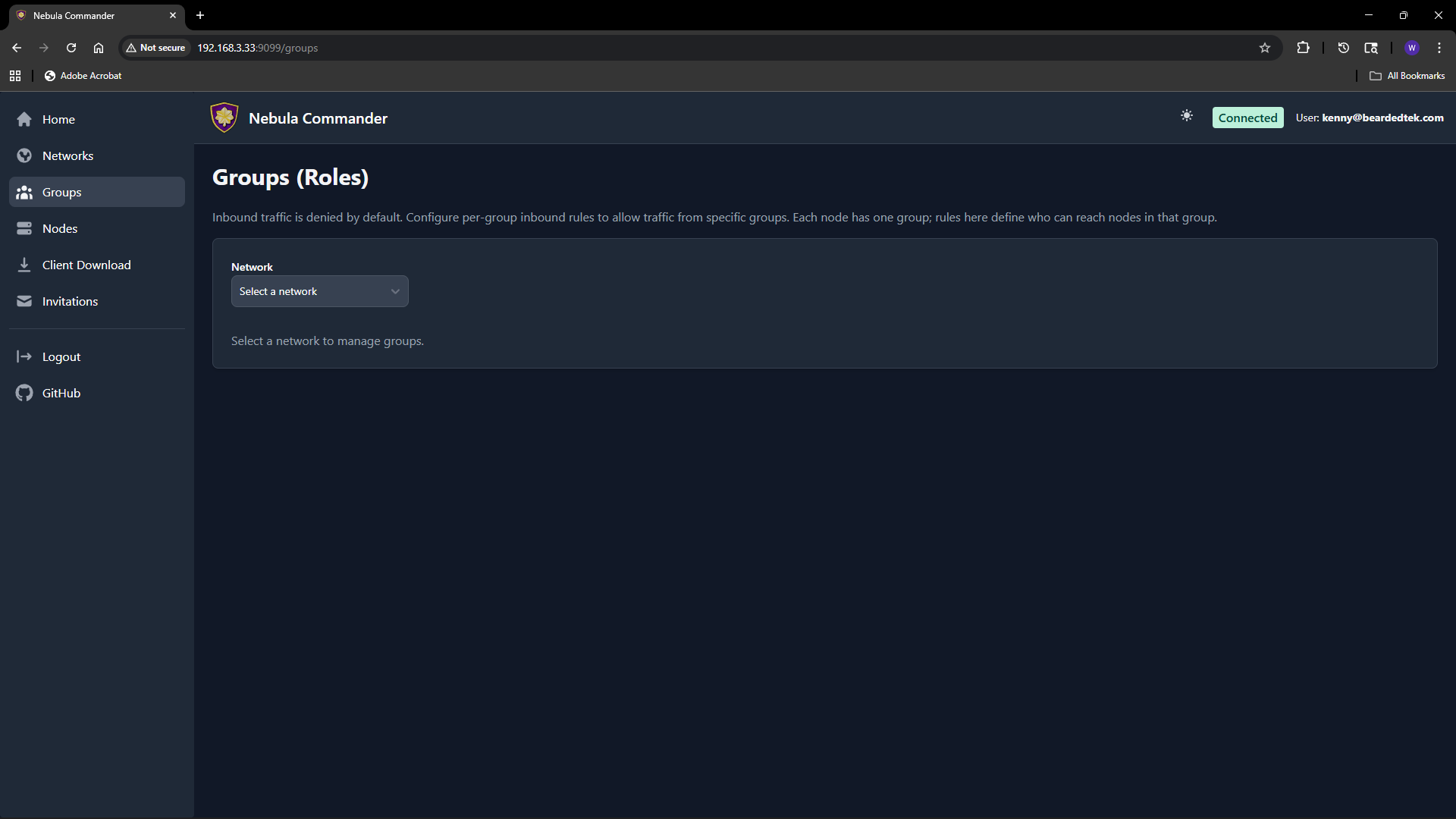
Selecting a network
At the top of the Groups page, choose a network from the dropdown. Groups and rules are per network. Only networks you have access to appear in the list.
What groups are
In Nebula, a group is a tag (e.g. laptops, servers, admin) that you assign to nodes. The firewall then allows or denies traffic based on group membership. On this page you define the inbound rules for each group: which other groups can connect to this group, and on which protocol and port range.
Adding a group
- Select the network.
- In the “Add group” area, enter a new group name (e.g.
servers). Group names are case-sensitive and must be unique within the network. - Click add. The group appears in the list with an empty set of inbound rules. You can then add rules (see below).
Groups are created implicitly when you add the first rule or when you create a node and assign it a group. If the group does not exist yet, adding an inbound rule for it or assigning it to a node will create it.
Firewall rules per group
For each group you configure inbound rules: who can send traffic to this group.
| Field | Description |
|---|---|
| Allowed group | The name of the other group that is allowed to send traffic to this group. |
| Protocol | any, tcp, udp, or icmp. |
| Port range | Port or range (e.g. 80, 443, 8000-8010) or any for all ports. |
| Description | Optional note for the rule. |
Example: To allow the group laptops to reach the group servers on TCP ports 80 and 443, add an inbound rule on the servers group with allowed group laptops, protocol tcp, and port range 80,443 (or two rules if your UI uses one port per rule).
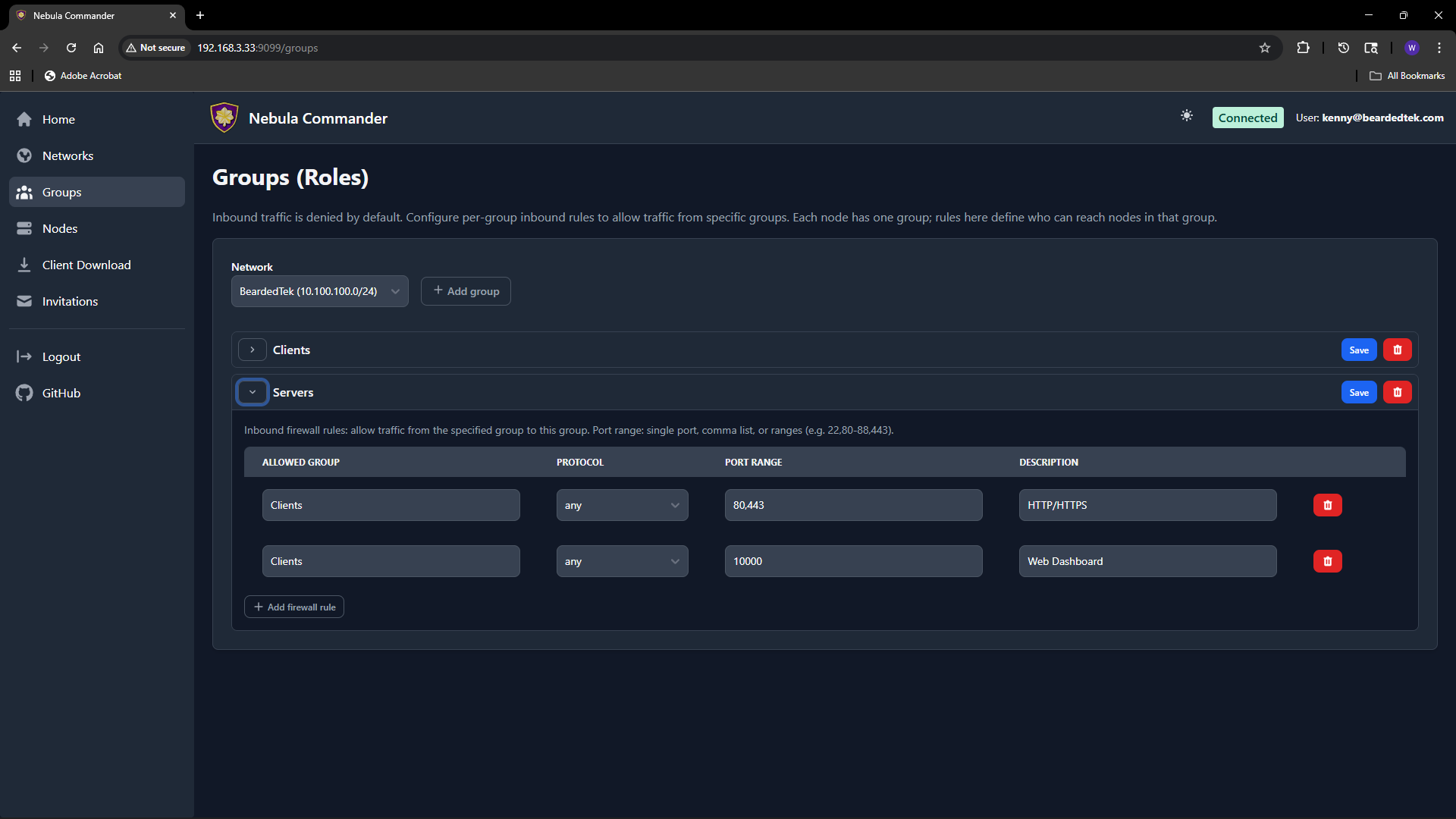
Rules are stored per group. After editing rules, click Save for that group. Changes apply when Nebula config is regenerated (e.g. when ncclient polls or you re-download config).
How to leverage groups
- Segment by role – Put nodes in groups like
laptops,servers,iot. Then allow onlylaptopsandserversto reachioton specific ports, and onlyserversto talk to each other on admin ports. - Least privilege – Only add inbound rules that are needed. Avoid
any/anyunless intentional. - Node assignment – On the Nodes page, when you create or edit a node you set its group. That node is then subject to the inbound rules defined for that group on this page.
If a group has no inbound rules, no other groups can send traffic to it (default deny). Add rules to allow the desired traffic.