Groups
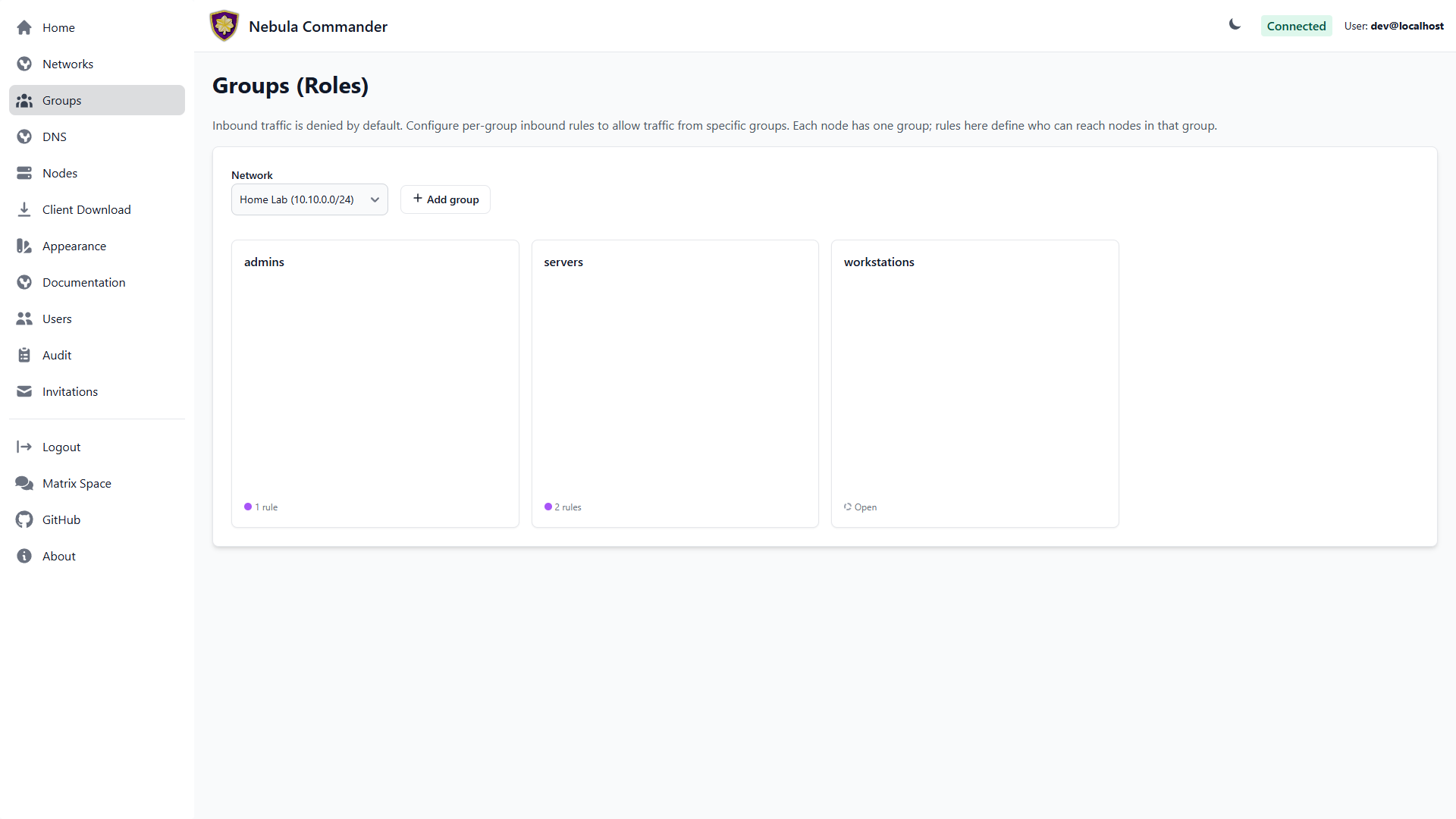
The Groups page lets you define Nebula security groups and their inbound firewall rules per network. Groups are used by nodes (each node has one group). Firewall rules control which other groups can send traffic to this group and on what protocol and ports.
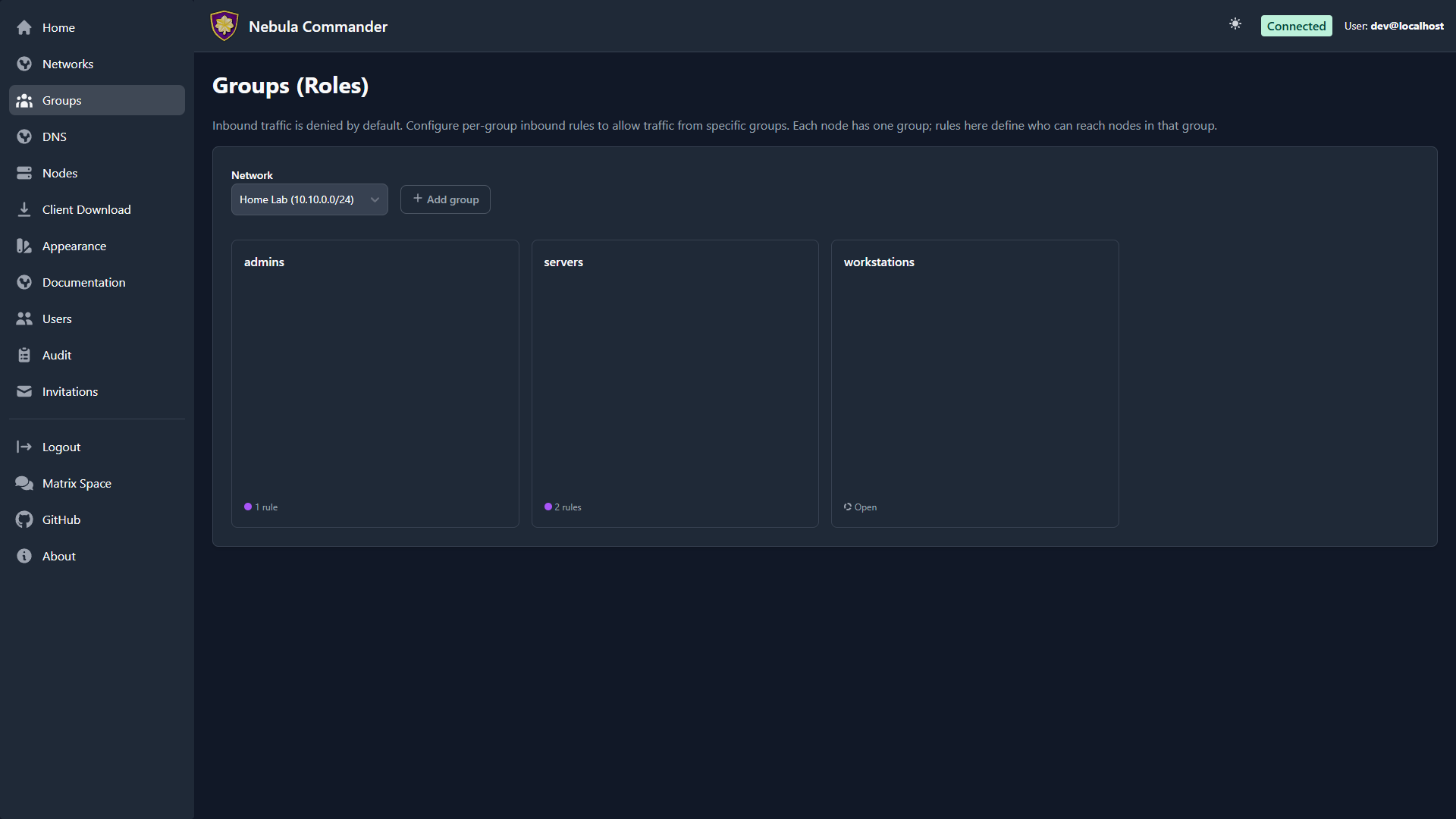
| Light | Dark |
|---|---|
 |  |
Selecting a network
At the top of the Groups page, choose a network from the dropdown. Groups and rules are per network. Only networks you have access to appear in the list.
What groups are
In Nebula, a group is a tag (e.g. laptops, servers, admin) that you assign to nodes. The firewall then allows or denies traffic based on group membership. On this page you define the inbound rules for each group: which other groups can connect to this group, and on which protocol and port range.
The group grid
Groups show as a grid of square cards, one per group. Each card shows the group name and a status indicator at the bottom: a solid dot and rule count if the group has inbound rules configured (“restricted”), or a dashed outline reading “Open” if it has none — under Nebula’s own default, a group with no inbound rules can be reached by any other group, not by none. The same restricted/open coloring appears in the Network detail page’s Group Access Diagram.
Adding a group
- Select the network.
- Click Add group and enter a name (e.g.
servers). Group names are case-sensitive and must be unique within the network. - Submit. The group’s card appears in the grid with an empty set of inbound rules — click it to add rules (see below).
Groups are also created implicitly when you create a node and assign it a group that doesn’t exist yet.
Firewall rules per group
Click a group’s card to open its rule editor in a modal. For each group you configure inbound rules: who can send traffic to this group.
| Field | Description |
|---|---|
| Allowed group | The name of the other group that is allowed to send traffic to this group. |
| Protocol | any, tcp, udp, or icmp. |
| Port range | Port or range (e.g. 80, 443, 8000-8010) or any for all ports. |
| Description | Optional note for the rule. |
Example: To allow the group laptops to reach the group servers on TCP ports 80 and 443, add an inbound rule on the servers group with allowed group laptops, protocol tcp, and port range 80,443 (or two rules if your UI uses one port per rule).
Rules are stored per group. After editing rules, click Save in the modal. Changes apply when Nebula config is regenerated (e.g. when ncclient polls or you re-download config).
How to leverage groups
- Segment by role – Put nodes in groups like
laptops,servers,iot. Then allow onlylaptopsandserversto reachioton specific ports, and onlyserversto talk to each other on admin ports. - Least privilege – Only add inbound rules that are needed. Avoid
any/anyunless intentional. - Node assignment – On the Nodes page, when you create or edit a node you set its group. That node is then subject to the inbound rules defined for that group on this page.
A group with no inbound rules is open, not blocked — Nebula’s own default is that any group can reach a group with an empty rule list, the opposite of what you might expect from “inbound rules.” Add rules only once you want to start restricting who can reach a group; an empty rule list is not a safe default-deny state.